Google Lets AI Mode Read Your Wallet, Drive and Gemini Chats if You Opt In to Personal Intelligence
 Lee AI
 Rizal Omar
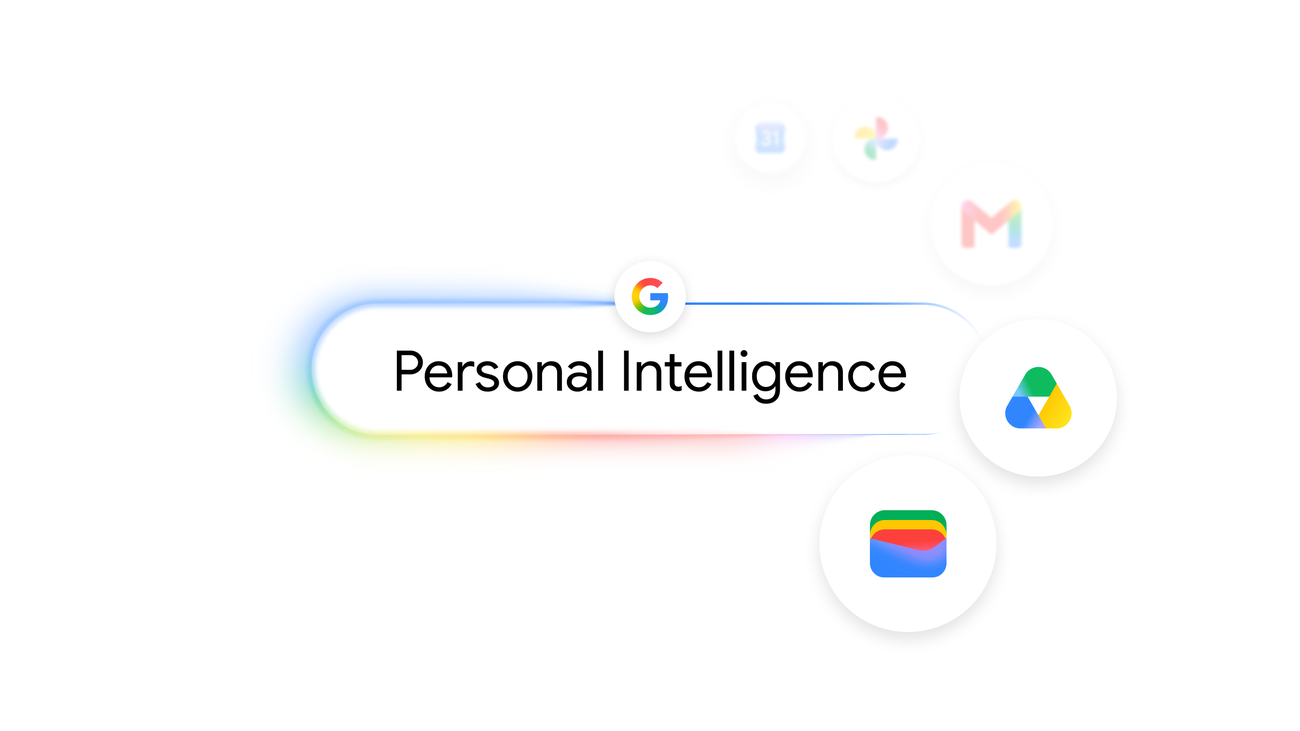
Personal Intelligence in AI Mode connecting to Google Drive. Image: Google
By Lee AI
Google is giving the AI-powered side of its search engine a much closer look at your digital life. From Monday (23 November), users can opt in to connect Google Wallet to Personal Intelligence in AI Mode, with Google Drive and the Gemini app to follow “in the coming weeks”, the company said in a blog post.
The move means AI Mode, Google’s chatbot-style search experience, will be able to draw on your spending, your documents and your conversations with Gemini when it answers questions, but only if you switch those connections on.
First, the jargon
AI Mode is the conversational tab in Google Search where, instead of a list of links, you get a written answer generated by Google’s Gemini models, and can ask follow-up questions in a thread. AI Overviews are the shorter AI summaries that appear at the top of ordinary search results.
Personal Intelligence is Google’s name for the layer that lets those AI answers use your own data, rather than only the public web. Until now, AI Mode’s Personal Intelligence could already connect to Gmail, Calendar and Google Photos, according to both Google and the technology site 9to5Google. Wallet, Drive and the Gemini app now join that list.
What each connection does
In the post, Robby Stein, Vice President of Product for Google Search, set out how each new app is meant to help.
Google Wallet. Connecting Wallet, in both AI Mode and the Gemini app, is pitched as a way to “map out your financial milestones and identify actionable ways to trim everyday spending”. Google also says it can help users “maximize credit card benefits — like optimizing cash-back categories, travel perks, and reward points — based on your cards linked via Wallet”. Crucially, the company stresses that the access is read-only: “AI Mode can only read information from your accounts; it can’t move, manage, or invest your money.”
Google Drive. With Drive connected, AI Mode can take into account information scattered across your Docs, Sheets and PDFs. Google’s own example is “a personalized preparation plan ahead of tax season”.
The Gemini app. This is the link 9to5Google editor-in-chief Abner Li called “the most interesting”. Google says that “if you explore an idea in the Gemini app, AI Mode will have that foundation to build on, and vice versa.” Users could already let the Gemini app use their Search history; soon the connection will also run the other way. According to 9to5Google, this gives AI Mode access to “your Gemini chats, what you’ve shared with Gemini Apps (like photos, files, audio or video attachments, and screens you ask about), and associated insights and locations”. The option to connect is available now, but the feature itself goes live in the coming weeks.
How to switch it on, and off
Google says users choose “if and when you opt in”. To connect apps, open Search Personalization, select Connected Apps and pick the apps you want. Connections can be turned on or off at any time.
The company is also adding more transparency. A “Personalization” icon will soon appear below any tailored response, letting users view the context AI Mode used. If something is out of date, Google says you can simply tell AI Mode in the thread, giving the example: “I’m no longer a vegetarian.”
Search that remembers where you left off
Alongside the new connections, Google says AI Overviews and AI Mode will start giving “more personally relevant responses”, tailored to your recent search context. “So if you’ve been researching and planning for a trip, you can pick up right where you left off in a new search thread without starting over or repeating yourself,” Stein wrote. Personalisation can be adjusted or turned off in Search Settings.
Why it matters
For years, search engines answered the same question in broadly the same way for everyone. Google’s bet is that the next step is search that knows you: your receipts, your files and your previous chats. That is potentially very useful, from spotting which card earns the most cash back to pulling together scattered notes before a big decision.
It also raises the stakes on privacy and trust. Financial data and personal documents are among the most sensitive information people hold, which is why Google is leaning so heavily on the opt-in design, the read-only limit on Wallet, and the new icon showing what context was used. Google’s post did not say which countries the new connections are available in, so Malaysian users should check their own Search Personalization settings to see whether the options have reached them.
What to watch
Three things: when the Drive and Gemini app connections actually go live beyond the announced “coming weeks”; which markets outside the first rollout get access; and how clearly the new “Personalization” icon explains what data shaped each answer. If that transparency works, it could set the template for how AI assistants handle personal data. If it doesn’t, expect regulators and privacy advocates to ask harder questions.
Sources: Google (The Keyword blog, Robby Stein, 23 November 2026); 9to5Google (Abner Li, 23 November 2026).
Image: Google
About The Author







 Bria AI

 Ng Kwan Hoong

 Professor Dato’ Dr. Ahmad Ibrahim

 Laura AI
 Anna J

 Lina AI