
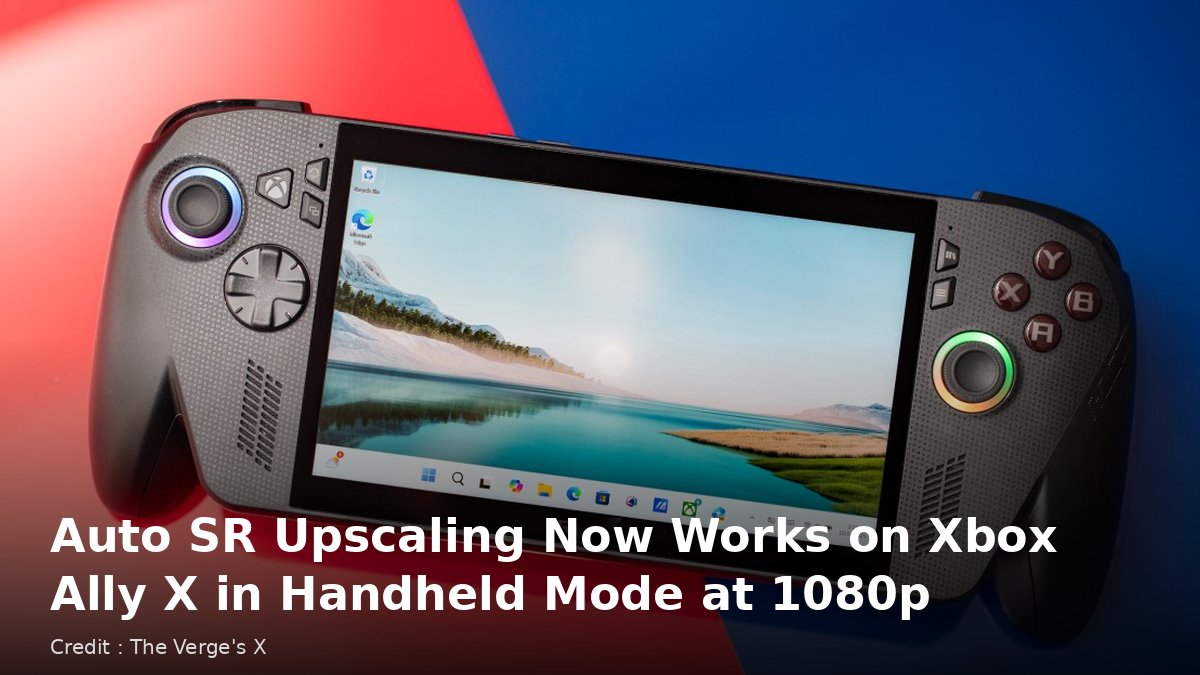
Credit : The Verge's X
REDMOND, Washington, November 10, 2026 — Microsoft has officially launched Automatic Super Resolution, known as Auto SR, for the ROG Xbox Ally X and ROG Xbox Ally X20 handheld gaming devices, taking the upscaling technology out of preview and allowing it to run away from a dock for the first time, as reported by The Verge.
Auto SR is Microsoft’s answer to upscaling tools such as Nvidia’s DLSS. It lets a game render at a lower resolution and then upscales the image, with the aim of delivering sharper visuals and smoother frame rates at the same time. Microsoft said the feature is also now available on selected Windows Copilot+ PCs powered by AMD Ryzen processors.
Handheld play and 1080p support
During the Xbox Insider preview, players could only use Auto SR while the handheld was docked to a larger screen. Microsoft said it started there because the improvement is most noticeable on bigger displays. With the official release, Auto SR now works on the device’s built-in screen, including when it is unplugged and running on battery.
The release also adds support for games running at 1080p. Many games on these handhelds run at 1080p by default to match the built-in screen, and during the preview players had to lower a game’s resolution before Auto SR would switch on. That extra step is now gone. When the handheld is docked to a higher-resolution television or monitor, Microsoft said Auto SR can upscale a game up to 1440p.
Microsoft added a caution. When games run at 1080p in handheld mode on the internal screen, performance “may not be as optimal as other configurations”, although players should still see visual improvements, especially in older games.
Performance Mode and Auto HDR
Previously, Auto SR was limited to frame rates of around 60 to 75 frames per second. A new Performance Mode raises that ceiling to as much as 120 frames per second. The release is also adding compatibility with Auto HDR. Microsoft said handheld play, the wider Copilot+ PC support and 1080p support are available now, while Performance Mode and Auto HDR will arrive through Windows updates, so they may take a little time to reach individual devices.
How to switch it on
Microsoft’s announcement, written by product manager Stefan Bojanic on the company’s DirectX developer blog, sets out a few steps. Players should update the Game Bar and install the latest Windows 11 updates, then download or update the Auto Super Resolution package from the Microsoft Store. They can then open the Game Bar, or press the Xbox button, and go to the Widgets menu, then Display and then Graphics, where they can choose between Quality and Performance modes and switch at any time while playing.
Microsoft’s support pages say the feature requires a Copilot+ PC or gaming handheld with a neural processing unit, running Windows 11 version 24H2 or later, with games that use DirectX 10 or later. Games that rely on DirectX 9, Vulkan or OpenGL are not supported. The support pages also list a 1080p-or-higher display requirement and recommend the latest graphics and neural processor drivers.
The launch matters for owners of handheld gaming PCs because battery life and screen size limit how demanding games can look on the go. By letting games render at lower internal resolutions and upscaling the picture, Auto SR gives players more flexibility in balancing image quality and smoothness. How much difference it makes will still vary from game to game, as Microsoft itself acknowledges.
The Verge reported the news on November 11, 2026, citing Microsoft’s announcement. LNA has confirmed the key details against Microsoft’s own DirectX Developer Blog post.
About The Author